

In Real Life broadcasting lets creators share moments as they happen. Platforms like Twitch, YouTube, and Instagram support this engaging format. It offers a raw, unfiltered look into daily adventures.
Unlike gaming videos, this style focuses on real-world activities. Think travel, meetups, or exploring new places. It builds a genuine bond with your audience through live interaction.
A dedicated backpack is key for mobility and professionalism. It holds your camera, microphone, and other gear. This guide will help you assemble a compact, reliable kit for long broadcasts.
Whether you’re new or experienced, we cover everything. Keep your video quality high and your connection stable on the go. Let’s dive into building your ultimate on-the-move broadcasting solution.
Key Takeaways
- IRL streaming showcases real-time experiences and builds authentic viewer connections.
- It differs from traditional streams by focusing on everyday life and travel moments.
- A specialized backpack ensures portability and reliability for all-day use.
- Maintaining strong internet and clear video is crucial while moving around.
- This guide suits both beginner and professional content creators.
- Lightweight equipment helps sustain high-performance broadcasts outdoors.
- The growing popularity of real-life content opens new creative opportunities.
What Is IRL Streaming and Why You Need a Dedicated Backpack
Broadcasting real-time experiences creates a unique bond with your audience. Viewers join your adventures as they unfold. This format turns everyday moments into shared journeys.
Traditional content creation happens in controlled environments. Real-life broadcasting breaks those boundaries. It brings spontaneity and authenticity to your channel.
Successful mobile production requires specific technical elements. A strong internet connection is non-negotiable. You also need reliable equipment that won’t fail during critical moments.
Carrying individual pieces separately creates multiple problems. You risk dropping expensive gear while juggling items. Constant unpacking and repacking wastes precious broadcasting time.
A dedicated carrier solves these issues beautifully. It keeps everything organized in designated compartments. Your camera, microphone, and accessories stay protected during movement.
Quick access to equipment makes your production smoother. No more digging through bags while your audience waits. Everything remains within easy reach throughout your adventure.
Comfort becomes crucial during extended sessions. Purpose-built carriers distribute weight evenly across your shoulders. This reduces fatigue so you can focus on creating great content.
Professional appearance matters when building your brand. An organized system looks more polished than loose equipment. It shows your audience you take your craft seriously.
Advanced IRL streaming setup solutions offer integrated technology. Cellular bonding combines multiple network connections for reliability. This includes 5G support for maximum data speed performance.
Proper organization dramatically reduces setup complications. You spend less time troubleshooting and more time engaging. This consistency improves the overall viewer experience.
Investment protection is another significant advantage. High-quality cameras and computers represent considerable financial commitment. A proper carrier safeguards these assets against damage.
| Equipment Carrying Method | Setup Time | Gear Protection | Professional Appearance |
|---|---|---|---|
| Individual Pieces | 15-20 minutes | Low | Basic |
| Dedicated Backpack | 5-7 minutes | High | Polished |
| Professional Solution (TVU One) | 2-3 minutes | Maximum | Broadcast Quality |
The right carrier transforms how you create content outdoors. It turns technical challenges into seamless experiences. Your focus remains where it belongs – on connecting with your audience.
Core Components of a Professional IRL Streaming Setup
Creating a mobile broadcasting system necessitates meticulous selection of components. Each element must function harmoniously. The choices made regarding gear significantly influence the overall production quality.
Video capture devices vary widely in complexity. Smartphones provide remarkable convenience along with satisfactory quality. Action cameras are built for durability, making them ideal for outdoor activities.
Many professionals opt for DSLR or mirrorless cameras. These options offer enhanced image control and depth of field, producing cinematic visuals that differentiate from casual recordings.
Audio quality distinguishes professional broadcasts from amateur efforts. While viewers may accept subpar video, poor sound is intolerable. The selection of microphones should align with the movement and setting.
Lavalier microphones are effective for interviews on the go, easily attaching to clothing for clear audio capture. Shotgun microphones are best suited for stationary or controlled environments.
Portable encoders are essential for converting raw footage into streams ready for broadcasting. Certain devices utilize advanced technology to compress video while preserving high quality.
These tools manage the technical aspects, ensuring compatibility across various camera types. Professional cameras, action cameras, and smartphones can all work together seamlessly.
Effective power management is vital for prolonged sessions. Built-in batteries offer initial usage time, while external power sources can extend operation significantly.
Reliable connectivity options are crucial for uninterrupted transmission. Techniques like cellular bonding allow multiple network connections to work together. The latest technology maximizes data speeds for fluid broadcasts.
Stabilization tools are necessary to avoid shaky footage. Tripods are ideal for fixed positions, while gimbals provide stability during movement.
Lighting equipment must be adaptable to varying conditions. Natural light is advantageous during the day, while portable LED panels can enhance visibility in low-light situations.
Having a backup plan is essential to avoid complete broadcast failure. Redundant equipment can mitigate the risk of component malfunctions, and multiple internet connections help sustain the live feed.
All these components must come together to form a cohesive system. The streaming setup should operate as a unified entity. Proper organization within the carrier allows for swift access to all necessary tools.
Each component plays a vital role in the overall process. From capturing to transmitting, every piece is significant. This synergy produces professional outcomes that captivate the audience.
Selecting Your Gear: Building a Lightweight, All-Day Kit
Choosing the right equipment transforms your mobile production experience. Each piece must balance performance with portability. Your selections determine how long you can broadcast comfortably.
Camera choice depends on your content style and environment. Action cameras excel in rugged outdoor situations. They withstand weather and movement while capturing stable footage.
DSLR and mirrorless options deliver superior image quality. They offer manual controls and cinematic depth of field. These systems produce professional-looking content that stands out.
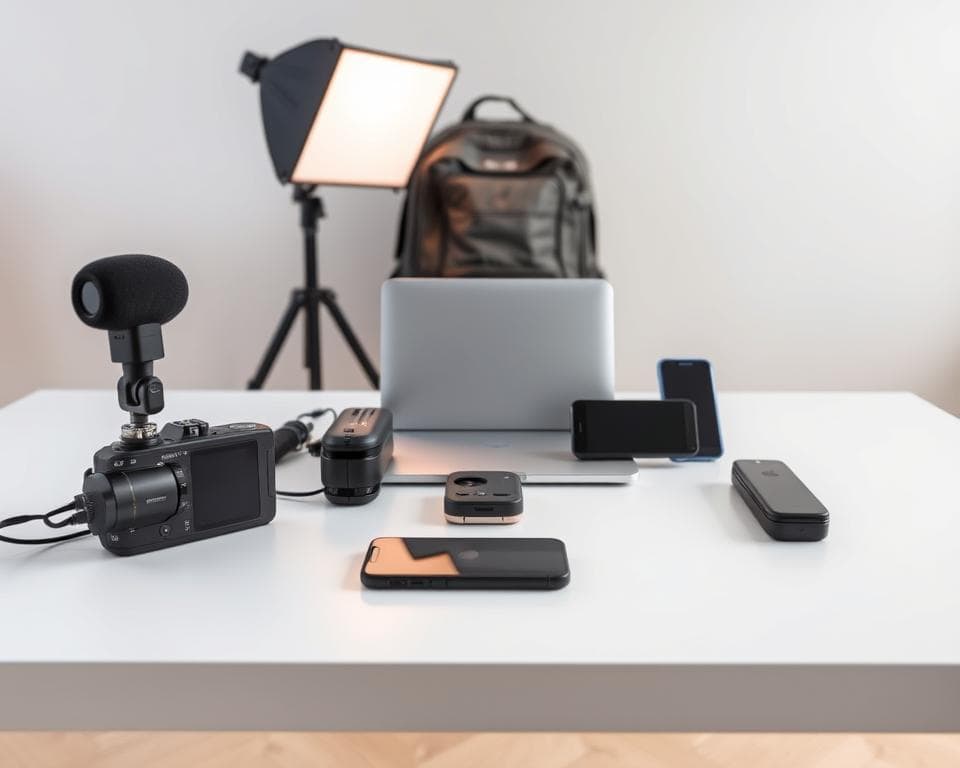
Weight considerations affect your endurance during long sessions. Heavier equipment provides more features but causes fatigue. Lighter options sacrifice some controls for extended comfort.
Battery life planning prevents unexpected interruptions. Calculate your total power consumption for the entire day. Include all devices from cameras to encoding units.
- Primary batteries for each device
- External power banks for extended runtime
- Power management systems
- Solar chargers for remote locations
Choosing the right microphone is crucial for addressing various audio challenges. Lavalier microphones are ideal for dynamic commentary, as they can be discreetly attached to clothing and effectively reduce wind noise.
Shotgun microphones excel at capturing directional sound in controlled settings. They are particularly effective in stationary setups or during interviews. Selection should be based on movement patterns and ambient noise levels.
There is a wide range of encoder options available, catering to both professional and budget-conscious users. Integrated systems can manage multiple camera inputs and ensure reliable transmission using cellular bonding technology.
For those seeking cost-effective solutions, DIY methods can be quite effective. Utilizing systems like Raspberry Pi with appropriate software can establish basic bonding solutions, suitable for entry-level production using smartphone cameras.
Ensuring stable internet connectivity is vital for uninterrupted transmission. Cellular modems and hotspots serve as primary connections, while bonding technology can merge multiple networks to enhance reliability.
The right gear combination makes outdoor broadcasting seamless. It turns technical challenges into creative opportunities.
Maintaining professional video quality requires effective stabilization equipment. Tripods are suitable for fixed shooting positions, while motorized gimbals are essential for smoothing out footage during movement.
Lighting solutions must be adaptable to varying conditions. Portable LED panels can effectively illuminate shadows during daylight, providing necessary lighting for evening or indoor shoots.
Choosing the right accessories is essential for an organized system. Cables, mounts, and protective cases help keep everything secure, while quick-access compartments can save valuable time during setup.
Budget considerations play a significant role in prioritizing investments. More funds should be allocated to components that directly impact content quality, with a focus on audio and video capture.
| Component Category | Premium Solution | Budget Alternative | Weight Impact |
|---|---|---|---|
| Camera System | DSLR/Mirrorless | Action Camera | Medium vs Light |
| Audio Capture | Professional Lavalier | Smartphone Mic | Minimal |
| Encoding | TVU One | Raspberry Pi | Medium vs Light |
| Power System | TVU Powerpac | External Battery | Medium vs Light |
Every choice affects your overall mobility and endurance. Test different configurations before committing to purchases. The perfect combination matches your specific content style.
Your equipment should feel like an extension of your creativity. It enables rather than restricts your spontaneous moments. The right gear disappears into the background during great content.
Step-by-Step Assembly: Constructing Your Streaming Backpack
The assembly process bridges the gap between equipment selection and professional outdoor content creation. Methodical organization ensures every component works together seamlessly. This transforms technical pieces into a reliable production system.
Begin with camera mounting to your preferred support system. Use secure mounting plates designed for your specific equipment. Test stability by gently shaking the setup before proceeding.
Action cameras often include dedicated backpack mounts. DSLR systems may require specialized rigging solutions. Ensure all mounting points feel solid and vibration-free.
Connect your microphone next for optimal audio capture. Lavalier mics should clip to collar areas for clear voice pickup. Test audio levels while walking to check for clothing rustle.
Shotgun microphones need stable mounting positions. Use shock mounts to reduce handling noise during movement. Monitor audio quality through headphones before finalizing placement.
Configure your encoder unit according to platform requirements. Professional solutions offer automatic bonding technology. This combines multiple network connections for reliability.
Proper assembly turns technical challenges into creative opportunities. Each connection point matters for uninterrupted broadcasting.
Set stream quality parameters based on your internet capabilities. Higher bitrates deliver better video but require stronger connections. Balance quality with reliability for your specific situation.
Internet configuration involves multiple SIM card installation. Insert cards from different carriers into your bonding device. This creates diverse network pathways for data transmission.
Connect to available 5G hotspots for additional bandwidth. Modern bonding technology automatically selects the strongest signals. This maintains consistent data flow during location changes.
Power management begins with battery integration. Place primary power sources in easily accessible compartments. Connect all devices through centralized power distribution systems.
External battery packs extend operating time. Calculate total power consumption before your adventure. Include backup power for unexpected extended sessions.
Cable management prevents tangling and connection issues. Use Velcro straps instead of twist ties for adjustable security. Route cables along backpack edges away from moving parts.
Equipment placement affects both balance and accessibility. Heavier items should sit closest to your back for better weight distribution. Frequently used gear belongs in quick-access pockets.
Test each component individually before final assembly. Check camera focus and exposure settings outdoors. Verify microphone clarity in your actual recording environment.
Conduct connection tests with your chosen platforms. Ensure all credentials work properly before going live. Test backup internet connections for reliability.
Troubleshoot common issues like intermittent audio or video dropouts. Check all cable connections for secure seating. Verify power levels across all devices regularly.
Weight optimization comes from strategic component placement. Distribute weight evenly between left and right sides. Adjust strap lengths for comfortable shoulder alignment.
Final testing should mimic real broadcasting conditions. Walk around your neighborhood while monitoring all systems. Make adjustments based on actual movement experiences.
Your assembled kit should feel like an extension of your creativity. Everything should work together without constant adjustment. This lets you focus entirely on your content and audience connection.
Mastering Internet and Power for Non-Stop Streaming
Reliable internet and power management form the backbone of successful mobile broadcasting. These elements determine whether your adventure reaches viewers seamlessly. Without proper planning, technical issues can interrupt your creative flow.
Internet bonding technology integrates various network sources into a single stable connection. Devices designed for this purpose utilize advanced technology to automatically merge cellular, WiFi, and other signals.
This method ensures redundancy against individual network failures. If one connection fails, others will sustain broadcast quality. The system continuously monitors and selects the strongest available signals.
Data consumption fluctuates significantly based on video settings. Higher resolutions and frame rates necessitate increased bandwidth. It is essential to plan data usage according to the duration of the broadcast.
- 720p at 30fps uses approximately 1.4GB per hour
- 1080p at 30fps consumes about 2.1GB hourly
- 1080p at 60fps requires nearly 2.8GB each hour
Mobile data caps necessitate careful bandwidth management. Monitoring usage through carrier applications or bonding device interfaces is advisable. Unlimited data plans may be beneficial for frequent outdoor production.
Power requirements are contingent upon the configuration of the equipment. Each device consumes varying amounts of energy during operation. Total consumption should be calculated prior to selecting batteries.
An external battery solution can extend operation to four hours of continuous use, providing reliable power for professional encoding units during extended adventures.
Proper power planning ensures equipment lasts through entire events. It prevents unexpected shutdowns during critical moments.
When selecting batteries, criteria such as capacity, weight, and compatibility should be considered. Higher capacity units offer longer runtime but increase weight. It is important to balance needs between endurance and mobility.
Charging solutions can include solar panels for remote locations, harnessing natural energy during daylight hours. These can complement traditional power banks for comprehensive coverage.
Network performance can vary based on location and carrier coverage. Testing different providers in intended broadcast areas is recommended, as some networks may excel in urban environments while others perform better in remote areas.
Failover systems automatically switch to backup connections, preventing complete broadcast interruption. This redundancy maintains the live feed through temporary network issues.
Temperature management is crucial for protecting equipment during extended use. Overheating can diminish battery life and component performance, so devices should be kept ventilated and shielded from direct sunlight exposure.
Optimization seeks to balance video quality with practical constraints. At times, a lower resolution may yield more reliable performance. Testing various settings can help identify the ideal balance.
| Stream Quality | Data Usage/Hour | Recommended Use |
|---|---|---|
| 720p @ 30fps | 1.4GB | Limited data situations |
| 1080p @ 30fps | 2.1GB | Standard mobile production |
| 1080p @ 60fps | 2.8GB | High-motion content |
Software solutions can provide various bonding options for different devices. These systems integrate WiFi, 4G, 5G, Ethernet, and even satellite connections. This adaptability accommodates diverse production budgets and styles.
The strategy for internet and power management significantly influences viewer experience. Maintaining consistent quality ensures that audiences remain engaged throughout the content. Thoughtful planning transforms technical obstacles into smooth creative output.
Configuring Software and Conducting a Test Stream
Test streams serve to validate the entire mobile production system prior to going live. They help uncover technical issues that could disrupt adventure content. This process guarantees that all components function together seamlessly.
The choice of software is influenced by technical comfort levels and production requirements. Free tools with robust open-source capabilities are available, while user-friendly options offer integrated alerts for ease of use.
Advanced solutions are available for cloud-based management, allowing for real-time monitoring and source switching. Options exist for setups that require multiple cameras.
Configuration starts with integrating the chosen platform. Connecting to services like streaming platforms requires adherence to specific guidelines for optimal performance.
Setting up audio necessitates careful calibration of levels. Microphone volume should be adjusted to prevent distortion, and noise reduction features should be enabled for improved sound quality.
Video settings play a crucial role in determining both quality and data consumption. Standard configurations typically include 1080p resolution at 30 frames per second, while higher frame rates are better suited for action-oriented content.
Effective configuration transforms technical components into creative tools, ensuring that the audience experiences adventures in real-time.
Choosing the right bitrate is essential for balancing video quality with internet stability. Higher bitrates yield better video quality but necessitate stronger connections. Experimenting with various settings can help identify the optimal balance.
Features tailored to specific platforms can enhance viewer engagement. Interactive chat integration is available on some platforms, while others offer advanced discovery algorithms.
Procedures for test streams are vital for verifying all system components. It is advisable to start with private or unlisted broadcasts to assess audio levels, video clarity, and internet stability.
Monitoring during test sessions can help identify potential issues. It is important to keep an eye out for dropped frames or audio synchronization problems, as well as any connectivity disruptions.
Strategies for optimization can significantly enhance overall performance. Adjusting settings based on test outcomes is crucial, and lowering bitrates may stabilize unreliable connections.
Implementing backup procedures is essential for safeguarding configuration settings. Regularly exporting profiles to cloud storage allows for quick recovery following equipment changes.
Addressing common troubleshooting issues is key to maintaining broadcast reliability. Audio problems often arise from incorrect input selections, while video issues may necessitate adjustments to the encoder.
Software should function as a supportive partner in the creative process, enhancing rather than overshadowing the creative workflow. Proper configuration facilitates this seamless partnership.
Consistent testing is vital for ensuring ongoing performance quality. Scheduling regular checkups before significant events can prevent unexpected issues during important broadcasts.
An effective software setup can simplify technical complexities, allowing for greater creative freedom. This enables a focus on sharing experiences rather than managing equipment.
Advanced Configurations: Multi-Camera and Drone Integration
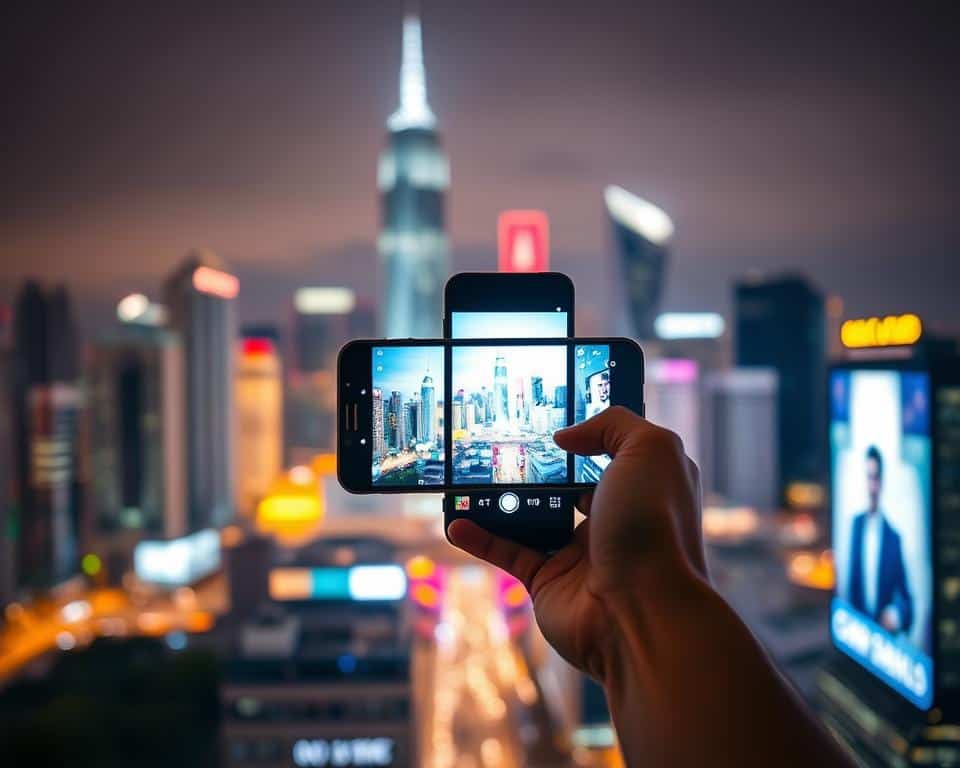
Expanding your production capabilities transforms ordinary content into cinematic experiences. Multiple camera angles create professional-looking broadcasts that captivate your audience. This approach adds visual variety and keeps viewers engaged throughout your adventure.
Dynamic switching between perspectives maintains visual interest. You can show wide establishing shots alongside close-up details. This technique mimics professional television production on a mobile scale.
Equipment requirements vary based on your production goals. Basic setups might use two smartphones with different angles. Advanced configurations incorporate dedicated cameras for specific purposes.
Video switchers facilitate the seamless integration of multiple feeds, allowing for smooth transitions between various camera sources. These devices are compatible with both professional-grade cameras and consumer-level equipment.
Software solutions provide versatile options for switching between video inputs. Programs like OBS Studio can handle multiple video feeds via capture cards, while cloud-based platforms offer management for remote production needs.
Utilizing multiple cameras enhances content creation, transforming basic recordings into compelling narratives. This approach fosters immersive experiences that distinguish content in a competitive landscape.
Incorporating drones introduces stunning aerial views, beautifully establishing context for locations. This addition significantly boosts production value, achieving results that many mobile creators find challenging.
Drones must be capable of live video transmission to be effective. Models that are widely recognized for their capabilities include those that are known for their reliability and performance in aerial videography.
Understanding signal compatibility is essential for effective technical integration. Most drones output video signals through HDMI or USB-C, necessitating compatible encoding devices.
Legal regulations dictate the operation of drones during broadcasts. Compliance with aviation authority guidelines, including maintaining line-of-sight and adhering to altitude limits, is crucial. Local regulations should always be verified prior to flight.
Implementing safety protocols is vital to protect individuals and property. It is important to maintain safe distances from populated areas and structures, as weather conditions can greatly influence flight safety.
Ensuring synchronization is key for smooth transitions between camera sources. Timecode generators help align audio and video across different devices, while wireless systems can maintain synchronization during movement.
Managing audio becomes increasingly complex with multiple cameras in use. The primary audio source should be from the main microphone, while secondary cameras can capture ambient sounds to enhance the overall atmosphere.
Effective bandwidth management is necessary when integrating additional video sources. Higher bitrates can support multiple streams but require robust internet connections. Thorough testing of the setup is recommended before live events.
Addressing common issues through troubleshooting is essential for maintaining broadcast reliability. All connections should be checked prior to starting, and signal strength should be monitored throughout the production.
Advanced switching techniques yield professional-quality results. Cut-away shots can present different perspectives simultaneously, while picture-in-picture formats allow for the display of multiple angles at once.
The multi-camera setup should enhance the creative process instead of complicating it. Starting with a simple configuration of two angles can be beneficial before expanding further. Each addition should have a clear purpose in the storytelling.
Drone footage should serve as an accent rather than continuous coverage. Aerial shots are most effective for establishing locations or creating dramatic reveals, adding memorable highlights for the audience.
Practicing camera switching until it becomes second nature is important. Smooth transitions appear seamless to viewers, while awkward cuts can disrupt the content’s flow.
Optimization involves balancing technical capabilities with creative aspirations. In some cases, simpler setups can yield superior results compared to more complex configurations. Equipment should be selected based on its ability to support the specific style of content being produced.
These advanced techniques distinguish casual creators from professional producers, showcasing a commitment to quality that resonates with audiences. Investing time in mastering these skills can significantly enhance viewer engagement.
Your Lightweight IRL Backpack is Ready for Adventure
Your mobile broadcasting kit is now complete and tested. You’ve assembled a professional-grade system that travels anywhere. This setup lets you share live moments with crystal-clear quality.
Regular maintenance keeps your gear performing perfectly. Check connections and battery levels before each adventure. Test your internet and audio in different locations.
Engage your audience by responding to comments in real time. Plan content around interesting locations and events. Build community through consistent, authentic broadcasts.
Always prioritize safety when exploring new environments. Monitor your equipment’s temperature and power during use. Follow local regulations, especially when using aerial cameras.
Your backpack opens endless creative possibilities. Experiment with different angles and storytelling techniques. The world awaits your unique perspective—go capture it live!


